Free · No sign-up · Nothing is uploaded
Design Your Own Printable Notebook
Create beautiful planners, journals, and notebooks. Customize every page, then download a print-ready PDF.
- PDFs are made on your device
- Exact physical sizes
- 12 languages
Popular notebook sizes
Every size uses its real physical dimensions, so a 5 mm dot grid really is 5 mm apart when you print at 100%.
- A5 5.827 × 8.268 in Prints on A4
- A6 4.134 × 5.827 in Prints on A5 / A4
- B6 (JIS) 5.039 × 7.165 in Prints on A4 / US Letter
- US Half Letter 5.5 × 8.5 in Prints on US Letter
- Traveler's Notebook Regular 4.331 × 8.268 in Prints on US Letter / A4
- Traveler's Notebook Passport 3.504 × 4.882 in Prints on A5 / US Half Letter
- Pocket Notebook 3.543 × 5.512 in Prints on A5 / US Letter
- Field Notes-style memo book 3.5 × 5.5 in Prints on US Half Letter / US Letter
Featured templates
Start from a template, then change line spacing, dates, colors and layout options.
-
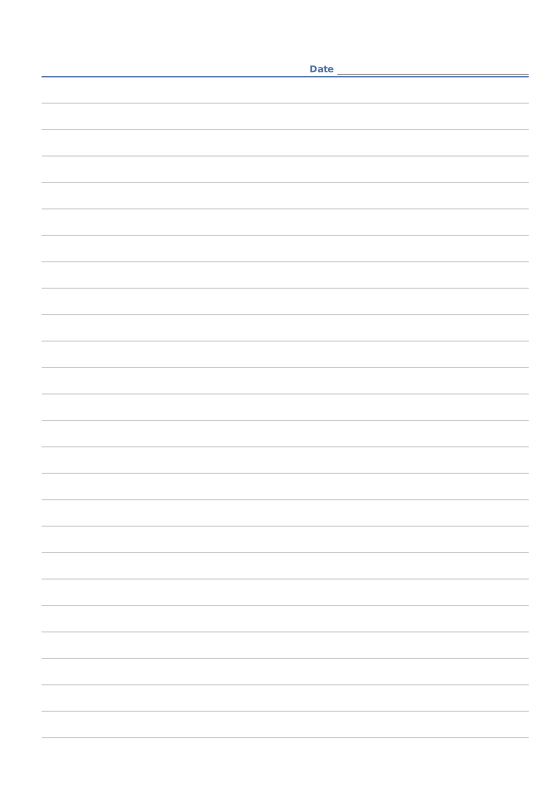
Ruled Paper
Lined writing paper with adjustable line spacing.
-
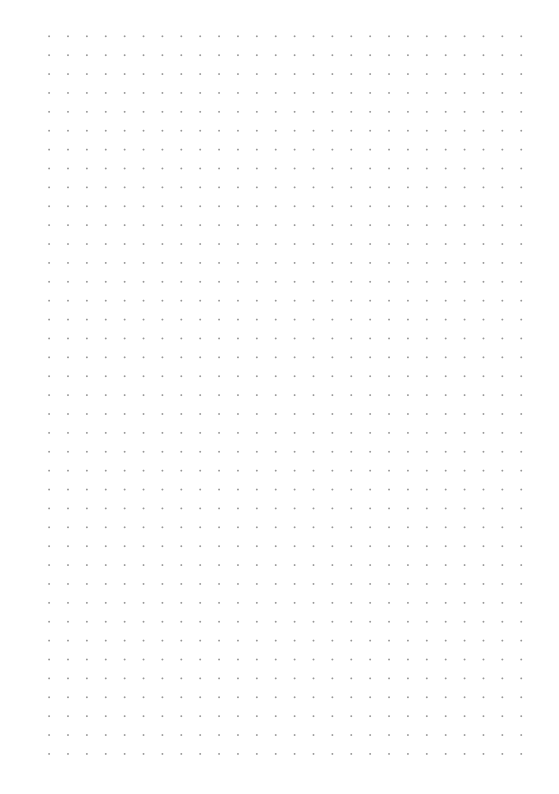
Dot Grid
Evenly spaced dots for bullet journals and sketches.
-
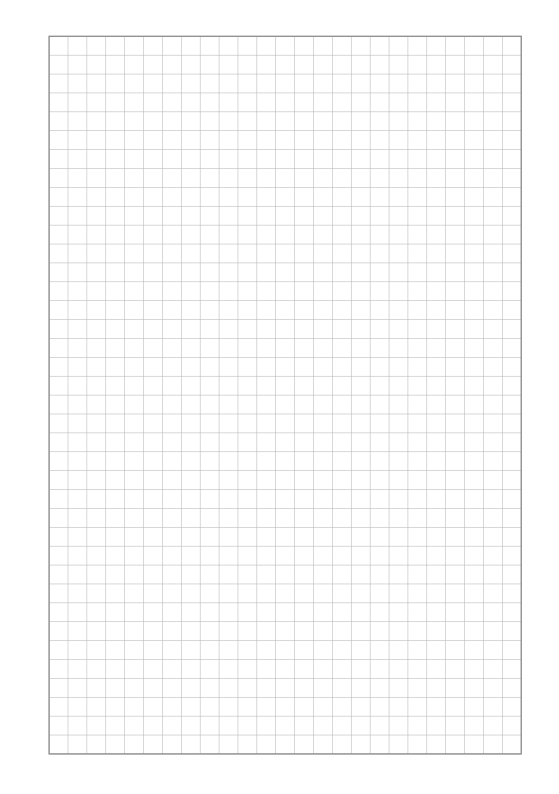
Square Grid
Quad-ruled squares for notes, math and diagrams.
-
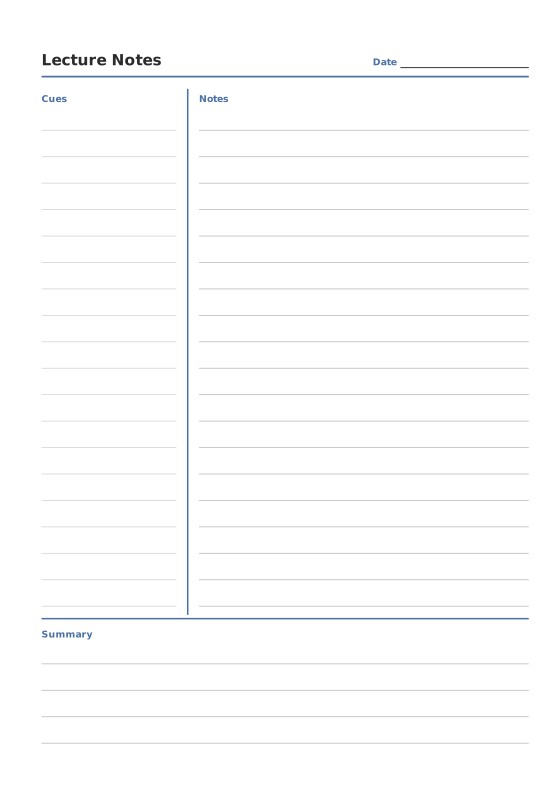
Cornell Notes
Cue column, notes area and summary box.
-
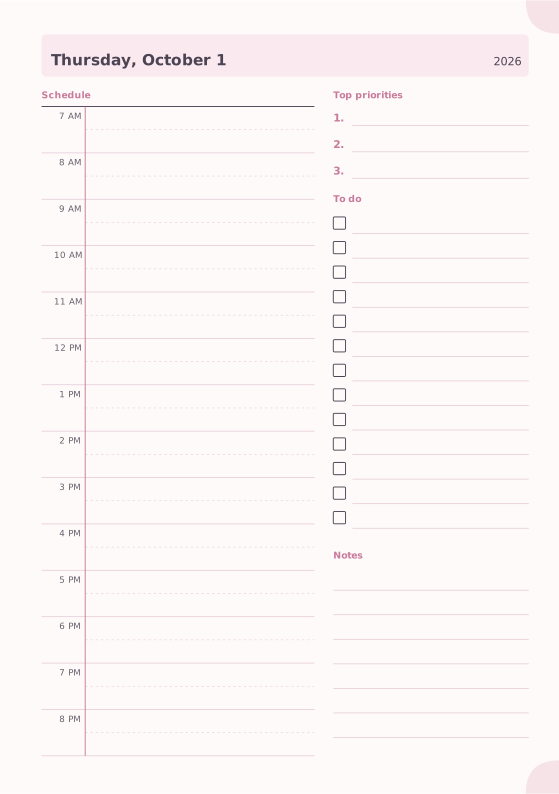
Daily Planner
Hourly schedule, top priorities, to-do list and notes.
-
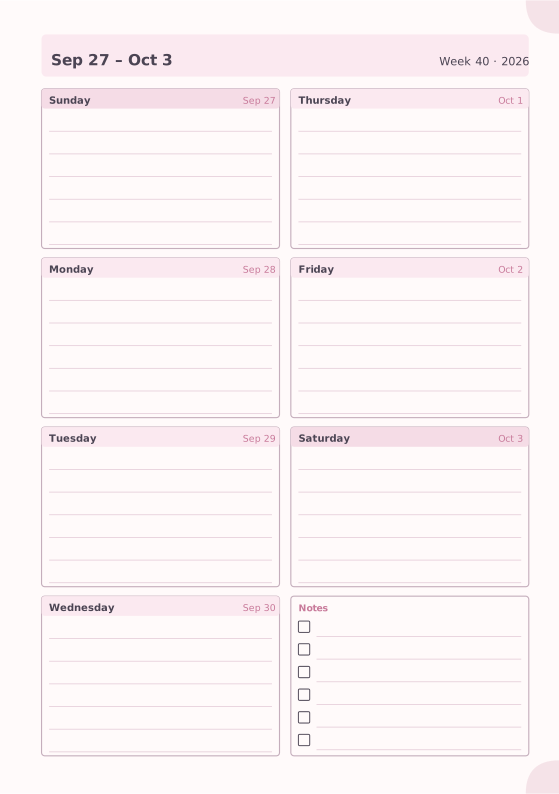
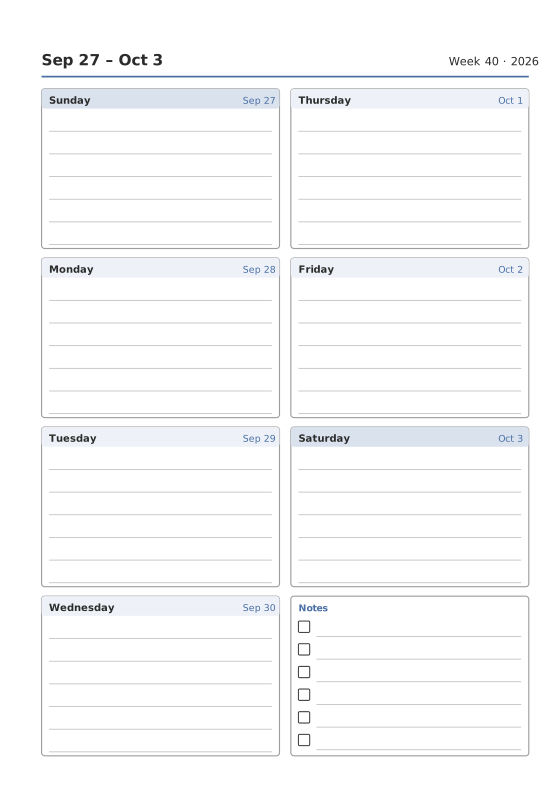
Weekly Planner
Seven days on one page with a notes box.
-
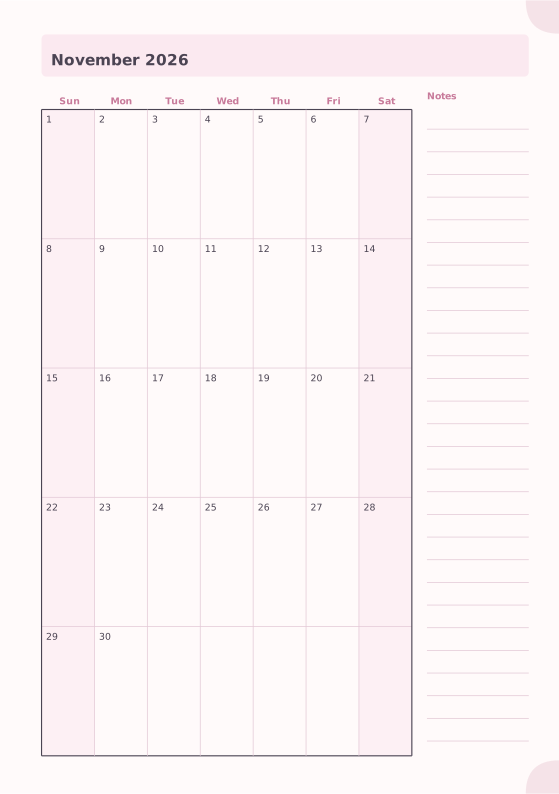
Monthly Planner
Full month calendar with a notes column.
-
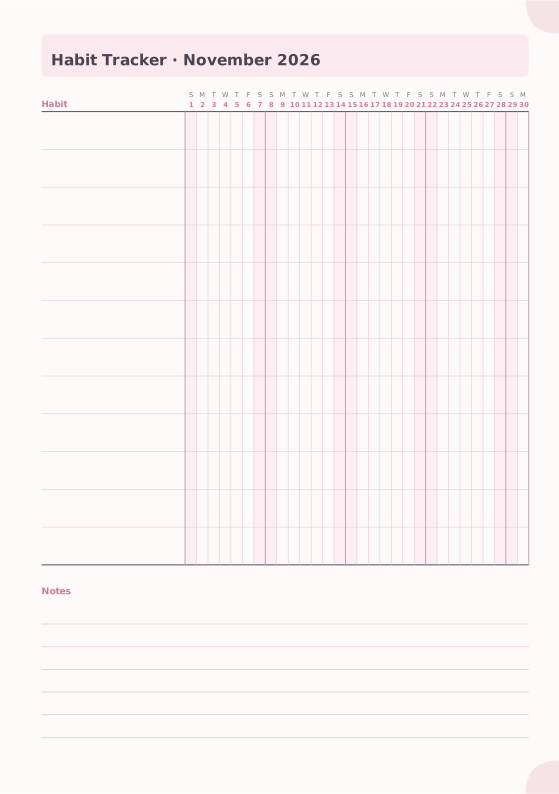
Habit Tracker
Monthly grid to track up to 20 habits.
How it works
-
Choose your pages
Mix lined, dot grid and planner pages with journals, trackers and covers. Add a whole year of dated pages in one step.
-
Make it yours
Pick a size and theme, set margins and the first day of the week, add your own cover photo and title.
-
Print and bind
Download a booklet PDF that is already imposed for double-sided printing. Fold, staple or sew, and you are done.
Made for real printers
Booklet PDFs are arranged so the pages come out in the right order after folding. Choose stapled booklets or sewn signatures, crop and fold marks, two copies per sheet for small sizes, and calibrate your printer so fronts and backs line up.
- Automatic booklet page order, with blank pages added only where needed
- Short-edge, long-edge or manual double-sided printing
- Printer calibration for exact size and front/back alignment
- Never scaled silently: you are told when a size does not fit
Printing and binding guides
- How to print a booklet double-sidedPrint your notebook PDF at actual size, choose the right duplex setting, and get pages that come out in the right order after folding.
- Calibrate your printer for exact sizesMeasure your printer once so pages print at exactly the right size, find its unprintable margins, and line up the front and back of each sheet.
- Paper sizes, margins and binding allowanceWhich printer paper fits which notebook size, how to set margins and the binding margin, and when to use bleed and creep.
- Cutting and trimming your notebookUse crop marks to cut printed sheets and trim folded booklets cleanly, with a craft knife, a paper trimmer or a guillotine.
- Fold and staple a bookletTurn printed sheets into a saddle-stitched notebook: keep the order, fold, staple through the spine and finish the edges.
- Sew signatures into a thick notebookPrint a thick notebook as several signatures, fold them, and sew them together with a simple stitch, or bind each one as a Traveler's Notebook insert.
Questions and answers
Is Notebook Generator really free?
Yes. Every template, size and export option is free to use, with no account and no watermark.
Are my notebooks uploaded anywhere?
No. Your notebooks are saved in your browser's local storage and PDFs are generated on your device. Nothing you design is sent to a server.
Why do my printed pages come out smaller?
Your print dialog is probably set to “Fit to page”. Choose “Actual size” or “100%”. For perfect results, use the printer calibration in the maker.
What is the difference between the booklet PDF and the reading-order PDF?
The booklet PDF places two pages on each side of a sheet in the order needed for folding, so you print double-sided and fold. The reading-order PDF has one page per PDF page, for tablets or single-page printing.
Why were blank pages added to my booklet?
A folded booklet always has a multiple of four pages. Notebook Generator adds the fewest blank pages needed and tells you how many.
Can I make inserts for a Traveler's Notebook?
Yes. Choose the Regular or Passport size. Passport inserts can be printed two copies per sheet to save paper.
Can I print pages in another language?
Yes. The language printed on the pages is set per notebook and is independent of the app language, so you can use the English interface and print Japanese weekday names.
How do I keep a backup or move a notebook to another computer?
Open “My notebooks” and export the notebook as a file. Import that file on any other device.